Transactions
The transactions tab provides an all transaction view for the operator. This includes all transaction types from the below list with fields type, game (where applicable), user, bet Id (where applicable), amount, rolling balance (for player, total in base currency), curency, status, date/time.
Common Transaction types:- DEPOSIT
- WITHDRAWAL
- BONUS_CREDIT
- BONUS_DEBIT
- BET_PLACED
- BET_SETTLED
- BET_CANCELLED
- ROLLBACK_DEBIT
- ROLLBACK_CREDIT
- OPERATOR_CREDIT
- OPERATOR_DEBIT
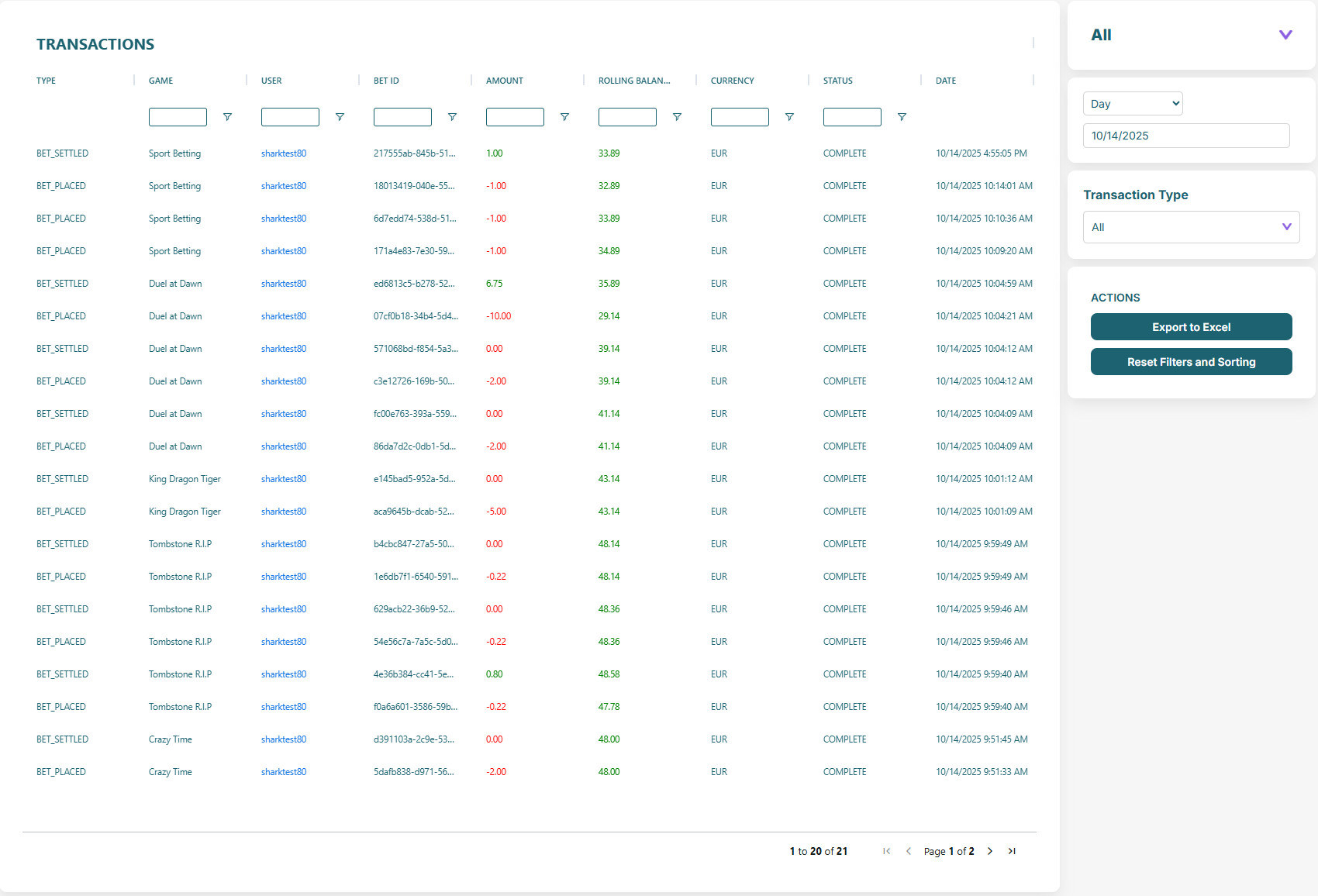
Sorting & Filtering
As in other table views all fields are sortable and filerable. Columns can be reordered for easy analysis.
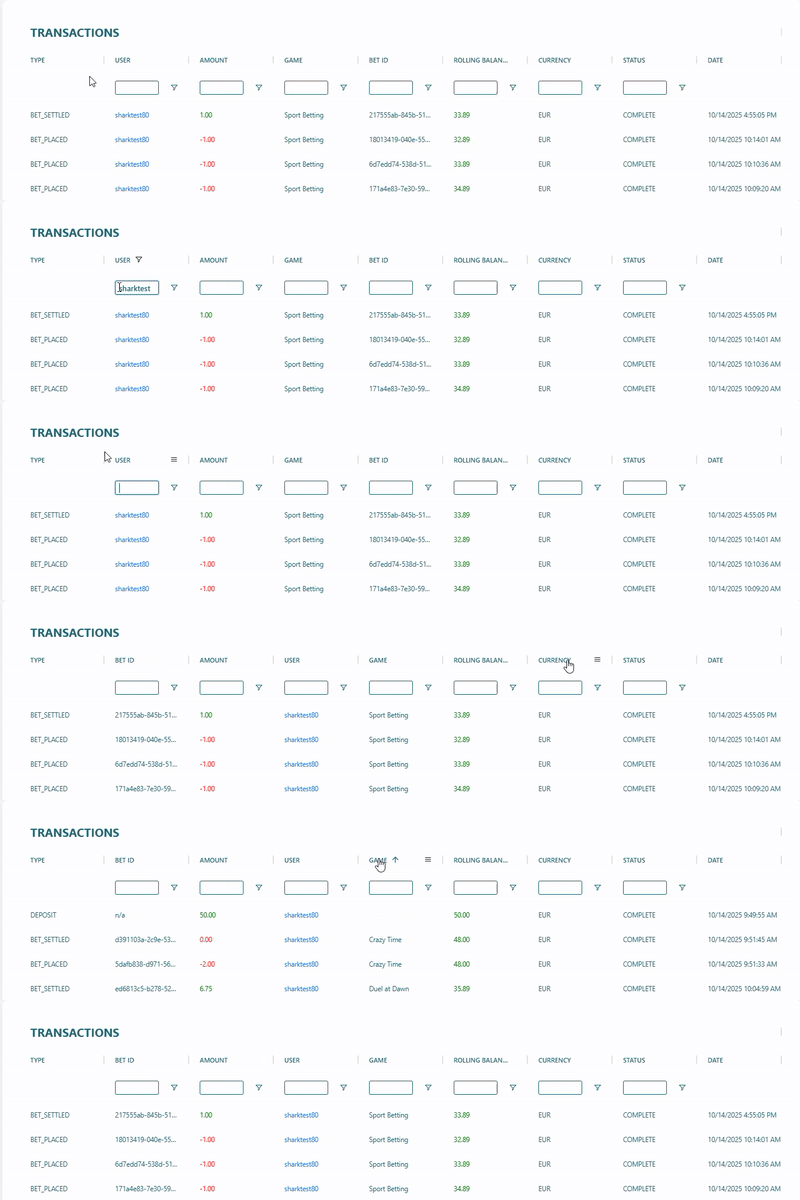
Actions
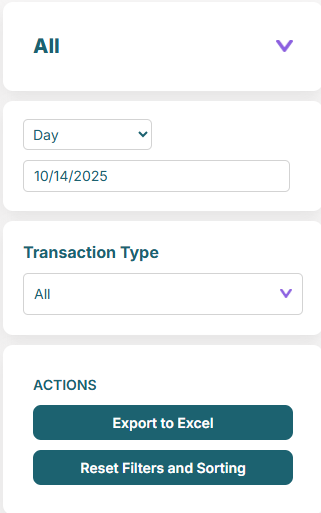
Figure 1: Transactions Action Panel
Actions
- Export to Excel — export the time period in excel format.
- Reset Filters and Sorting — reset all filter and sorting.
Top Tip
Use the vertical selector, time period and transaction type filters to refine the reports.